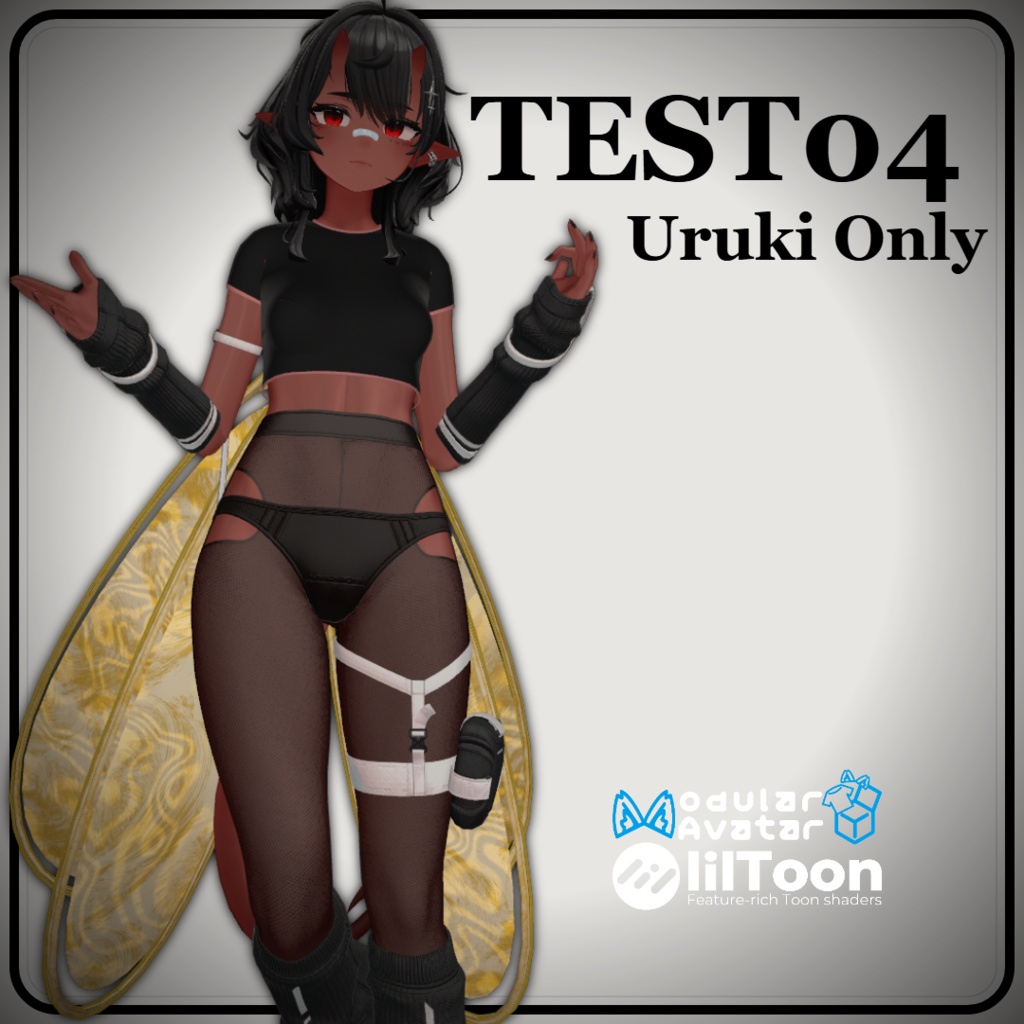
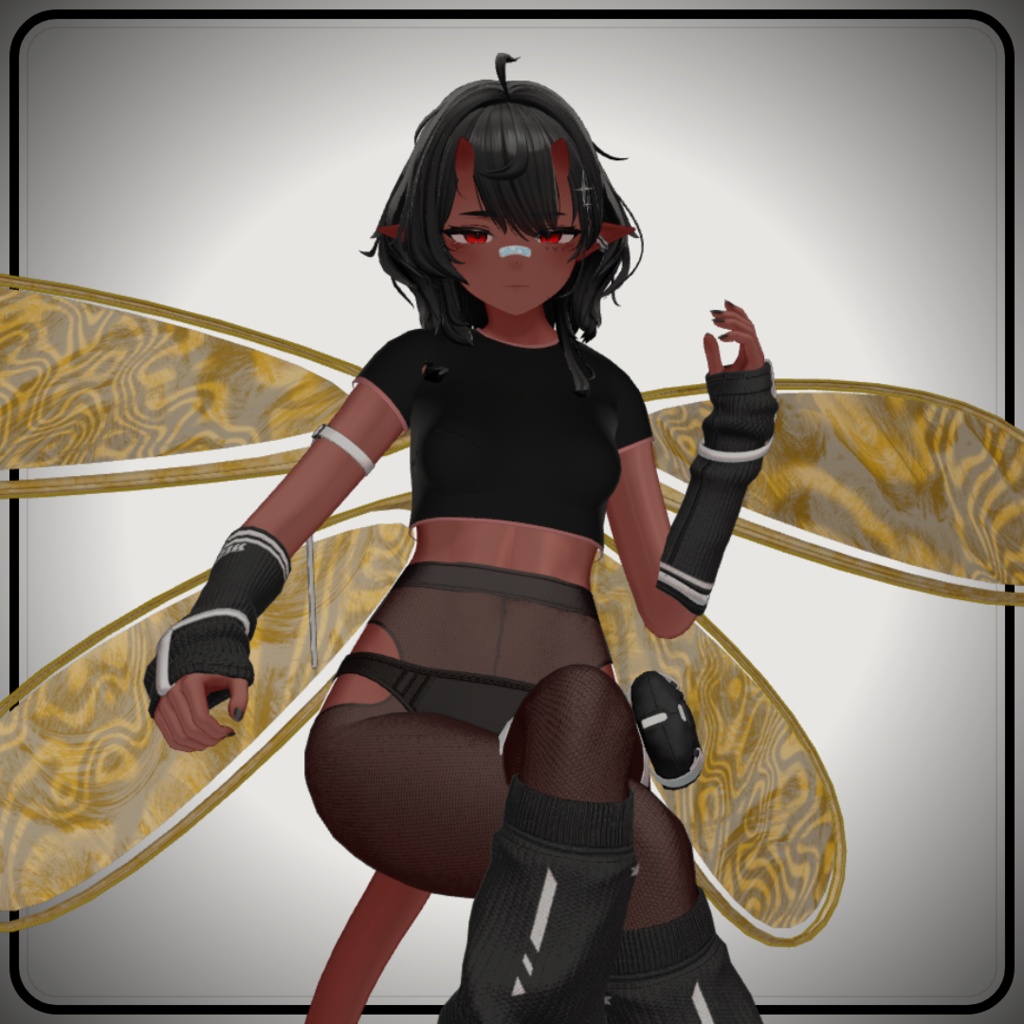
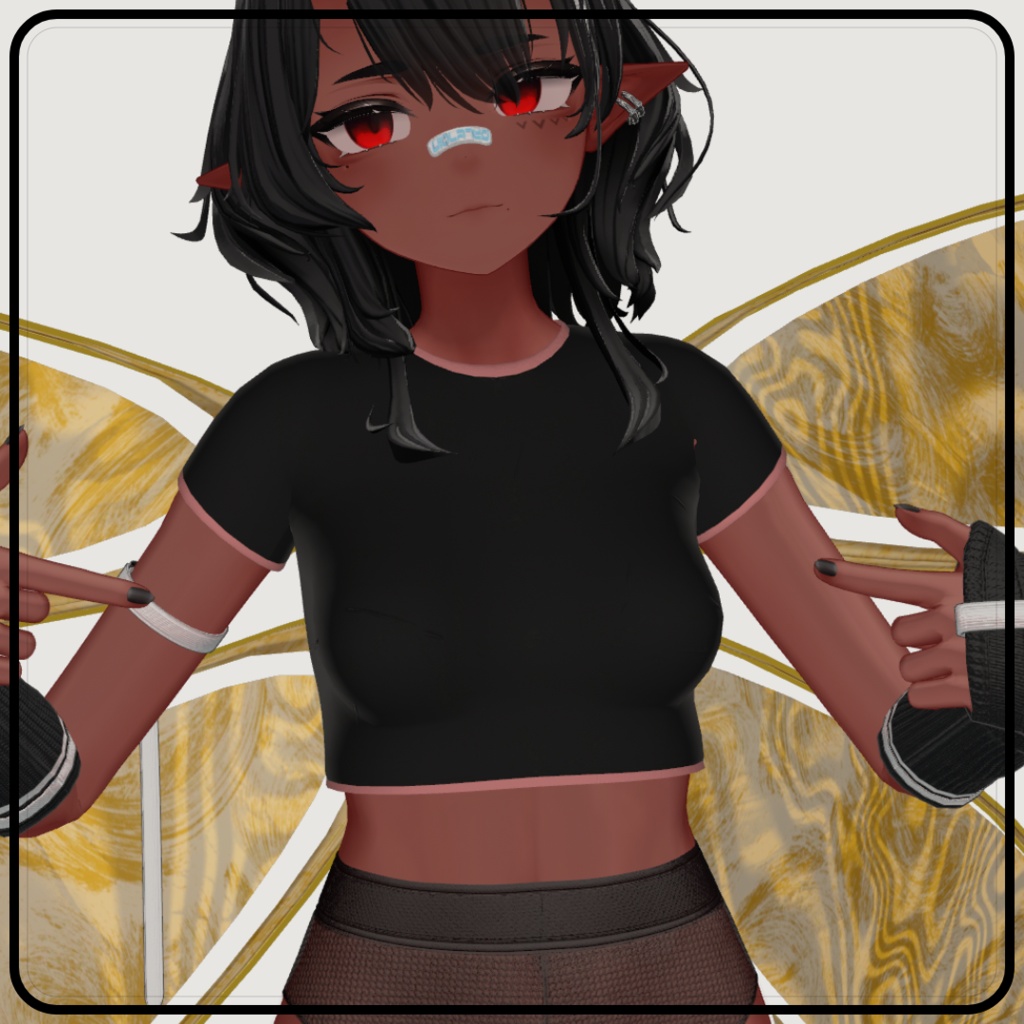
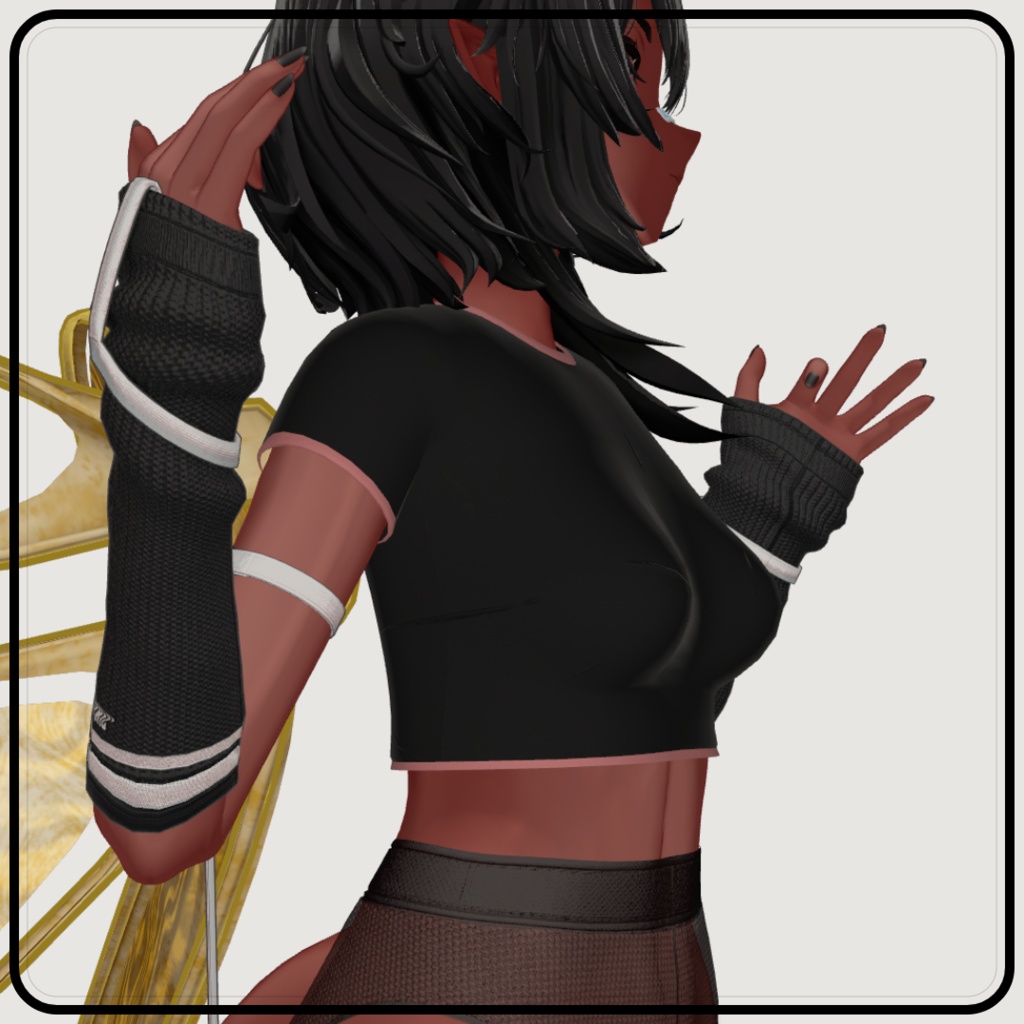
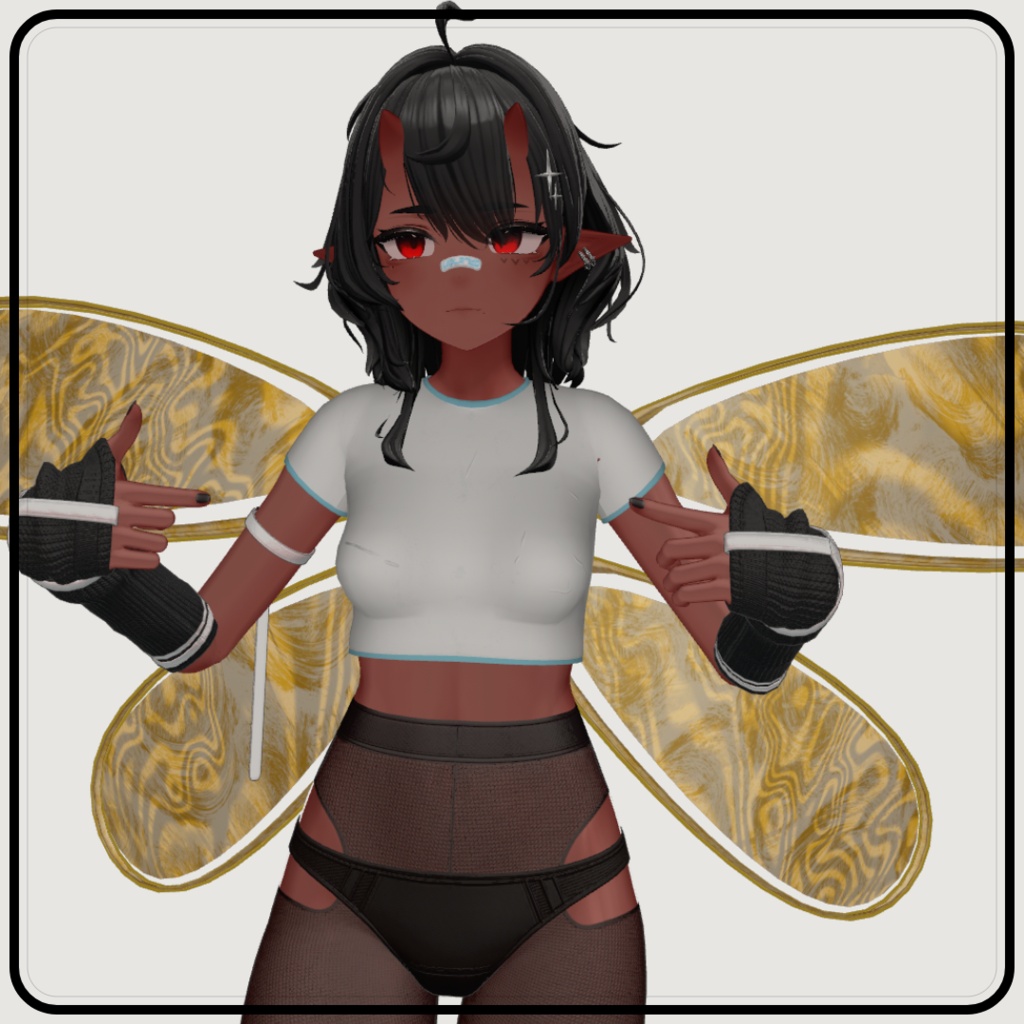
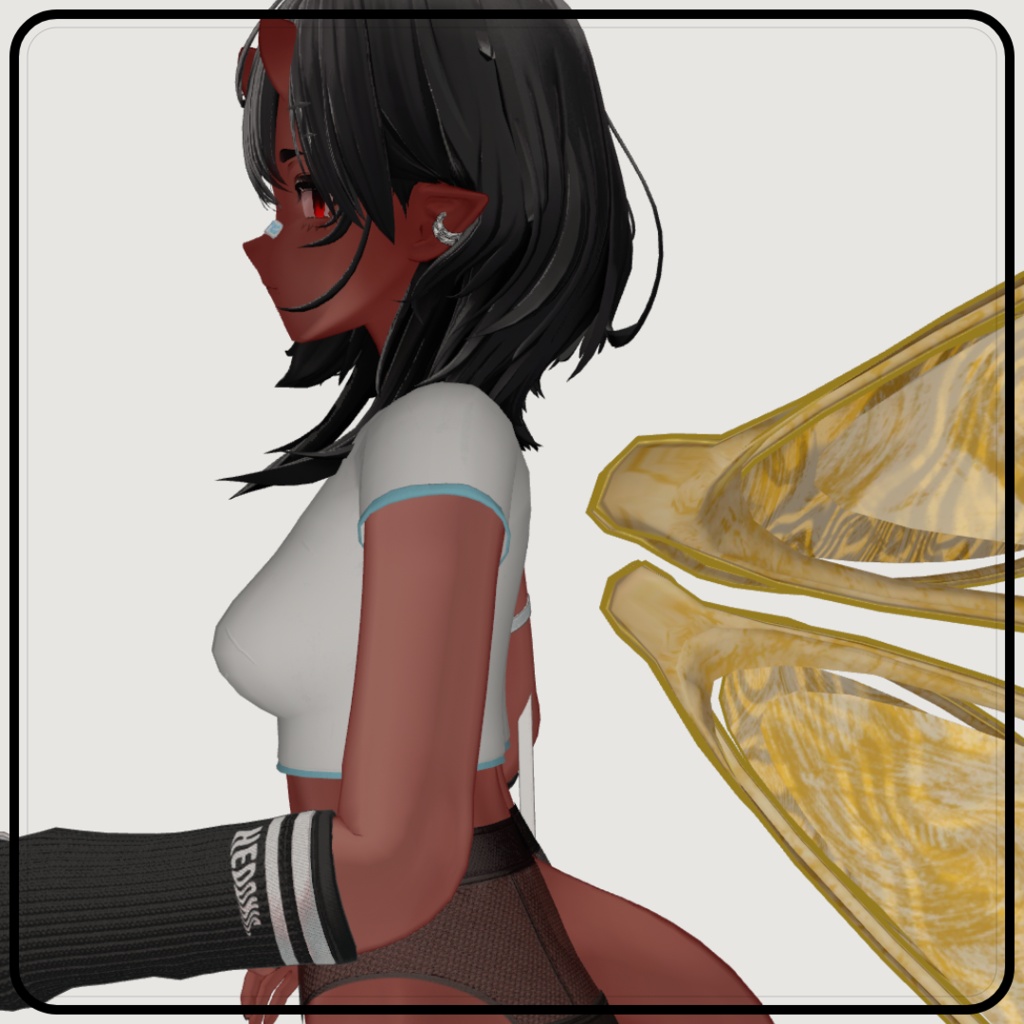
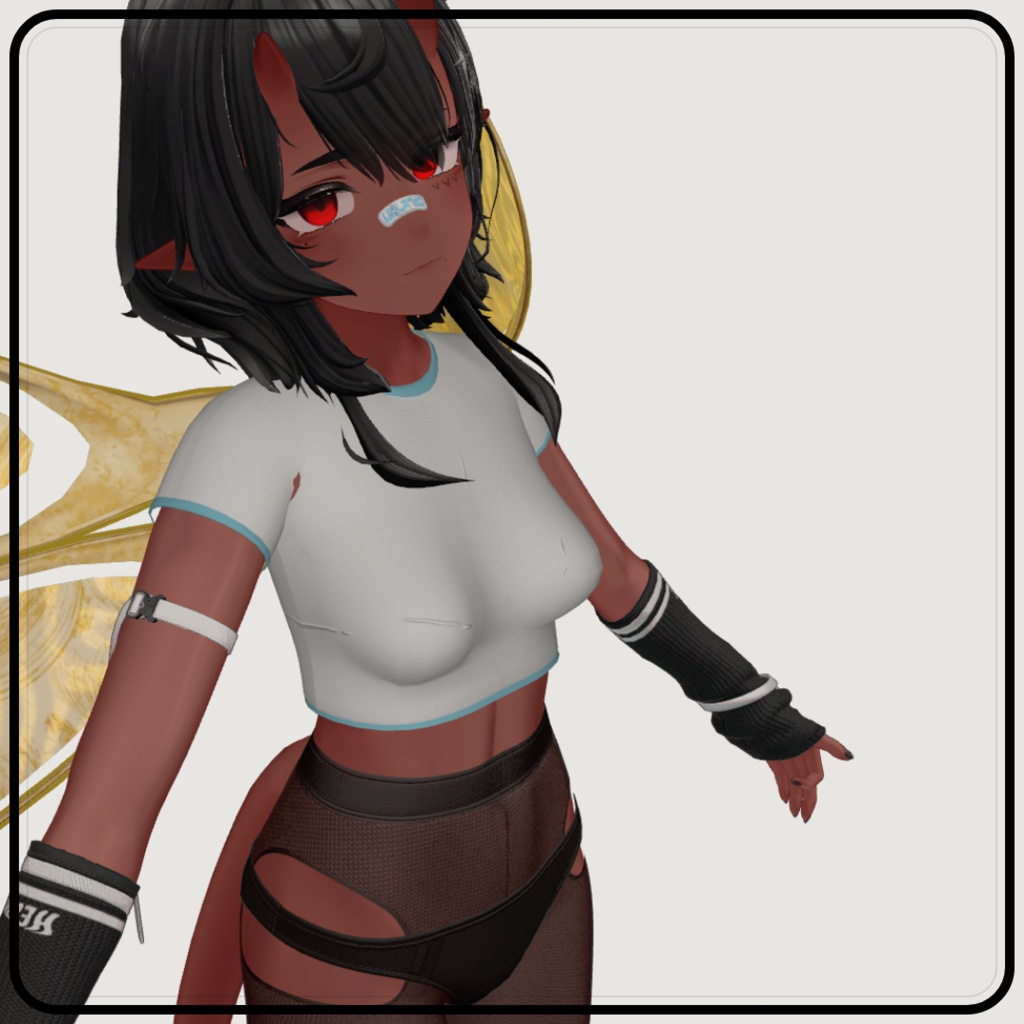
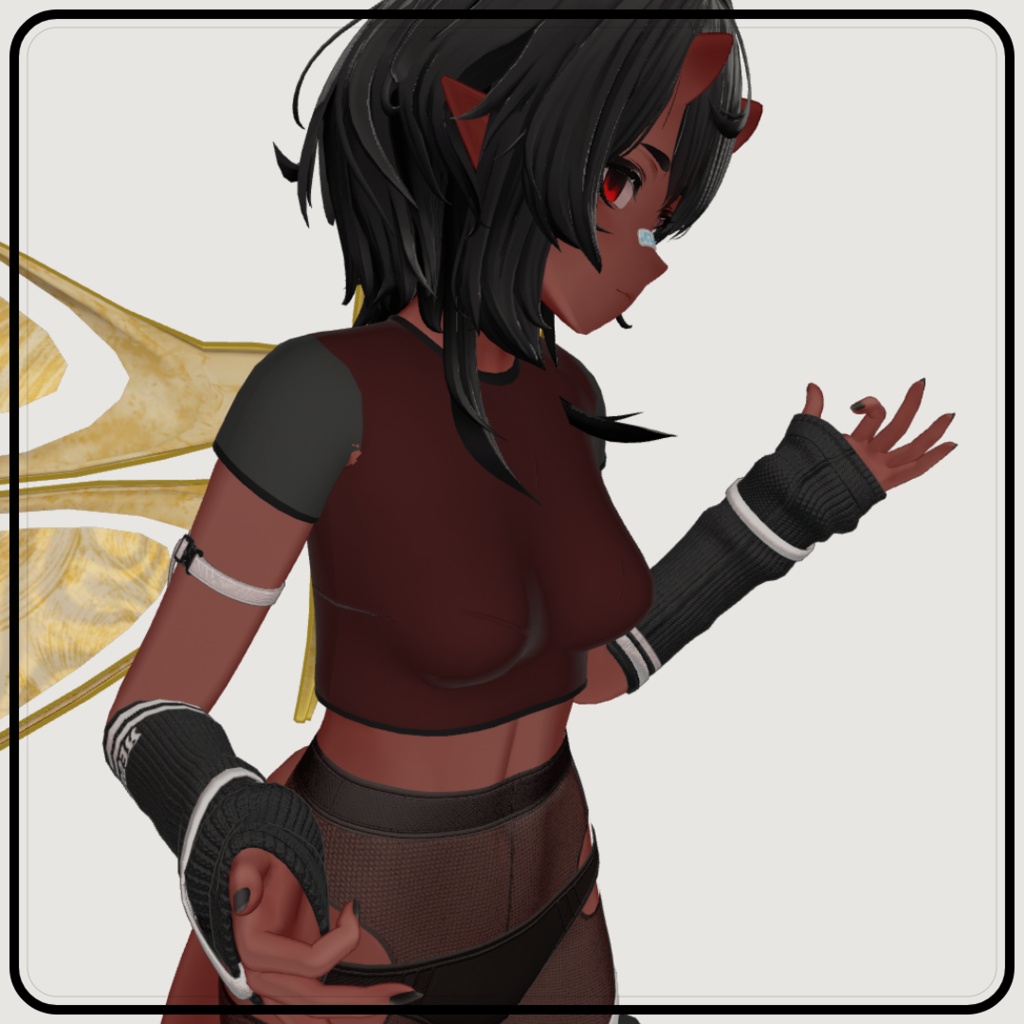
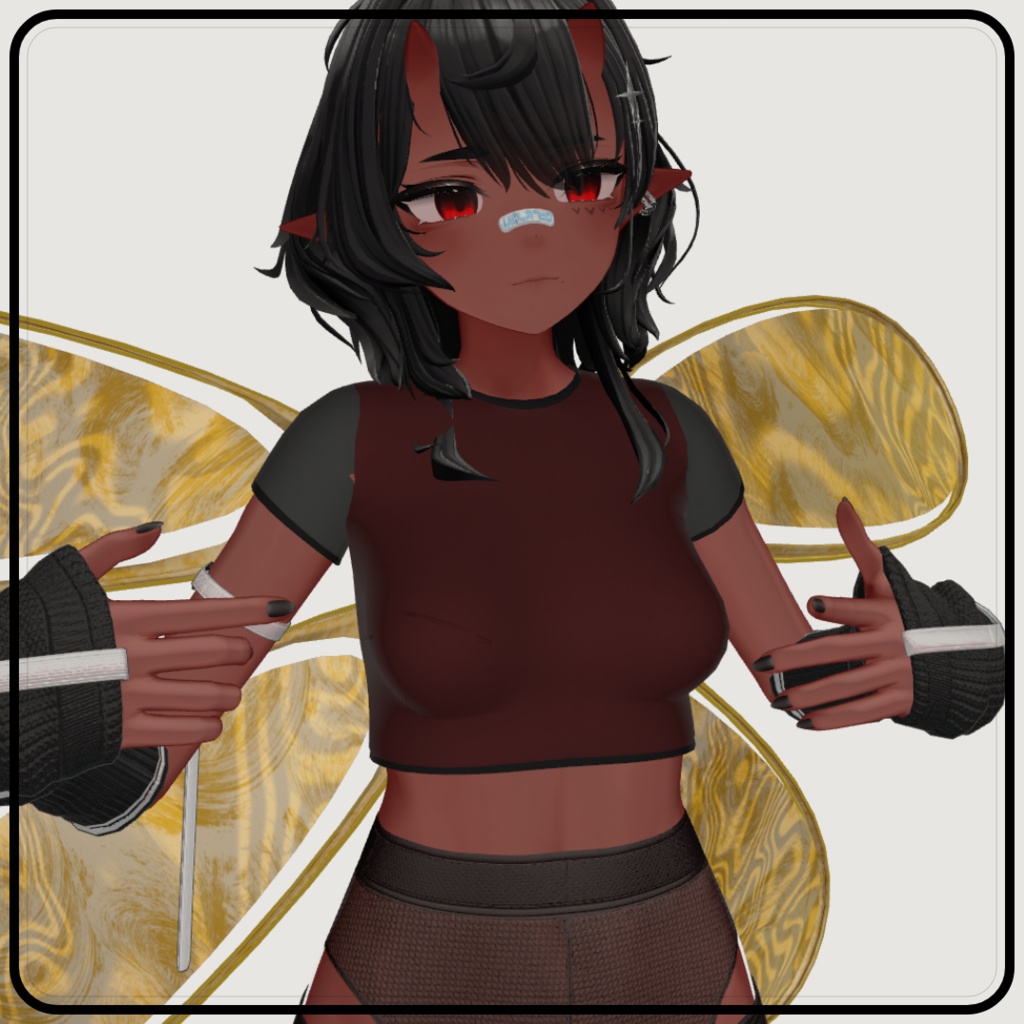
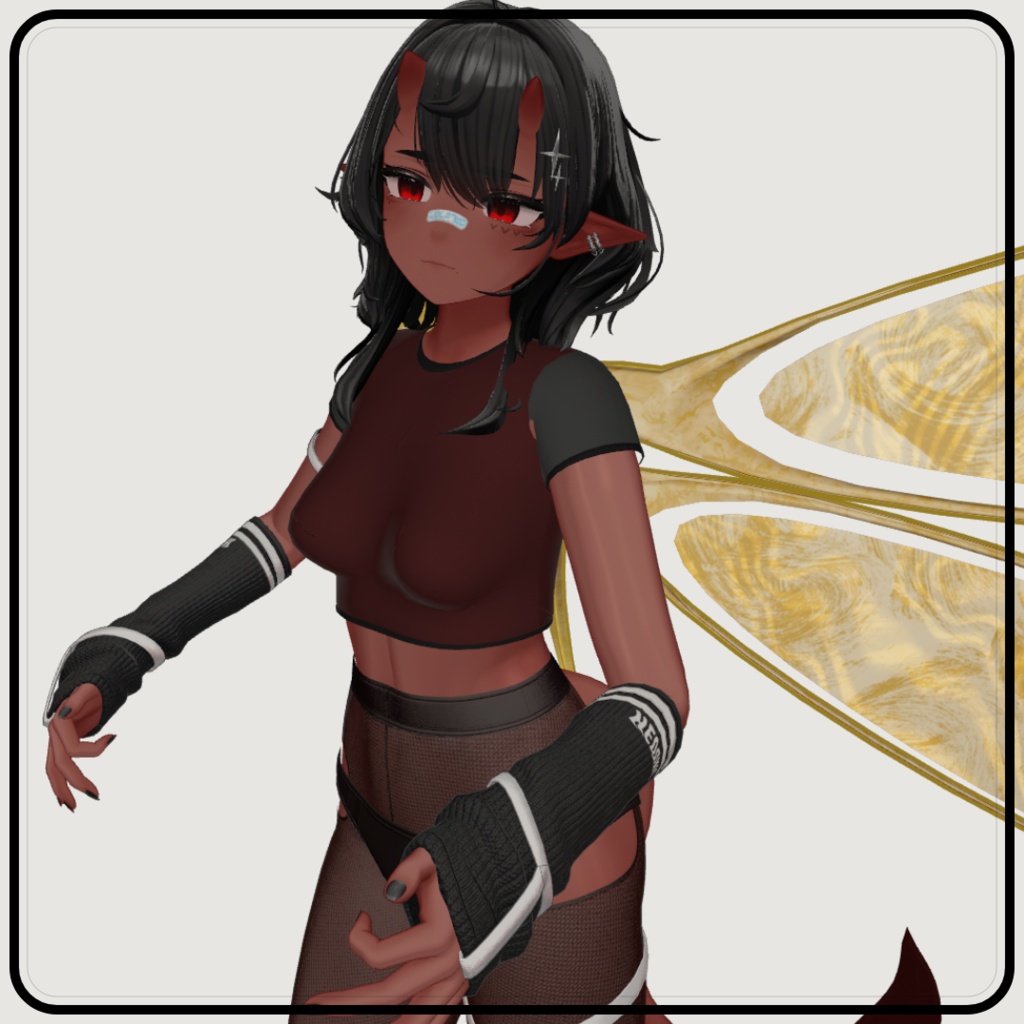
TEST04 For Uruki - (VRChat)
- ダウンロード商品¥ 0無料ダウンロードArtbyo3_-_Test04__-_VRC.zip(7.08 MB)Artbyo3_-_Test04__-_VRC.zip
Top △ 3,436
COMPATIBLE AVATARS
Uruki https://misterpink.booth.pm/items/6574516
Terms of Service
Allowed >Use in personal or commercial avatars >Use in videos, livestreams, games, and other media >Edit or modify for personal use _______________________________ Not Allowed <Resell or redistribute the asset files (original or modified) <Re-upload the asset as a standalone download <Claim the asset as your own work
⚠️ ⚠️ Important Notice ⚠️ ⚠️
The build quality of this product is very low. This item is distributed for free and is provided purely as a test subject. Do not expect: Polished visuals Optimized performance Final or production-ready quality This product is shared as-is for testing and learning purposes only.
Explanation
This item is a 3D (top) clothing piece for VRChat (VRC). It is intended to be used with compatible avatars. Please refer to the compatible avatars section for the full list of compatible bases.
Requirements & How to use
Requirements: Unity VRChat SDK Modular Avatar Liltoon shader ----------------------- Instructions: (Supported avatars) -Import the Unity package into your VRChat project. -Navigate To: "Assets/Artbyo3/Test04/Prefab/" Select a prefab option -Drag and drop the prefab onto your avatar in the hierarchy. Upload the avatar to VRChat.
JP
Top △ 3,436 対応アバター Uruki https://misterpink.booth.pm/items/6574516 利用規約 許可されていること >個人または商業用アバターへの使用 >動画、ライブ配信、ゲーム、その他メディアへの使用 >個人使用を目的とした編集または改変 _______________________________ 禁止事項 <アセットファイルの再販または再配布(オリジナルおよび改変版を含む) <アセットを単独ダウンロードとして再アップロードすること <アセットを自分の作品として主張すること ⚠️ ⚠️ 重要なお知らせ ⚠️ ⚠️ 本製品のビルド品質は非常に低いです。 このアイテムは無料で配布されており、純粋にテスト用素材として提供されています。 以下は期待しないでください: 洗練されたビジュアル 最適化されたパフォーマンス 完成版または製品レベルの品質 本製品はテストおよび学習目的のみのため、現状のまま公開されています。 説明 このアイテムはVRChat(VRC)用の3D(トップ)衣装アイテムです。 対応アバターと一緒に使用することを想定しています。 対応ベースの完全なリストについては、対応アバターのセクションをご参照ください。 動作環境と使用方法 動作環境: Unity VRChat SDK Modular Avatar Liltoonシェーダー ----------------------- 使用手順:(対応アバター) -UnityパッケージをVRChatプロジェクトにインポートしてください。 -次のパスに移動してください: "Assets/Artbyo3/Test04/Prefab/" プレハブオプションを選択してください -プレハブをヒエラルキー内のアバターにドラッグ&ドロップしてください。 -アバターをVRChatにアップロードしてください。