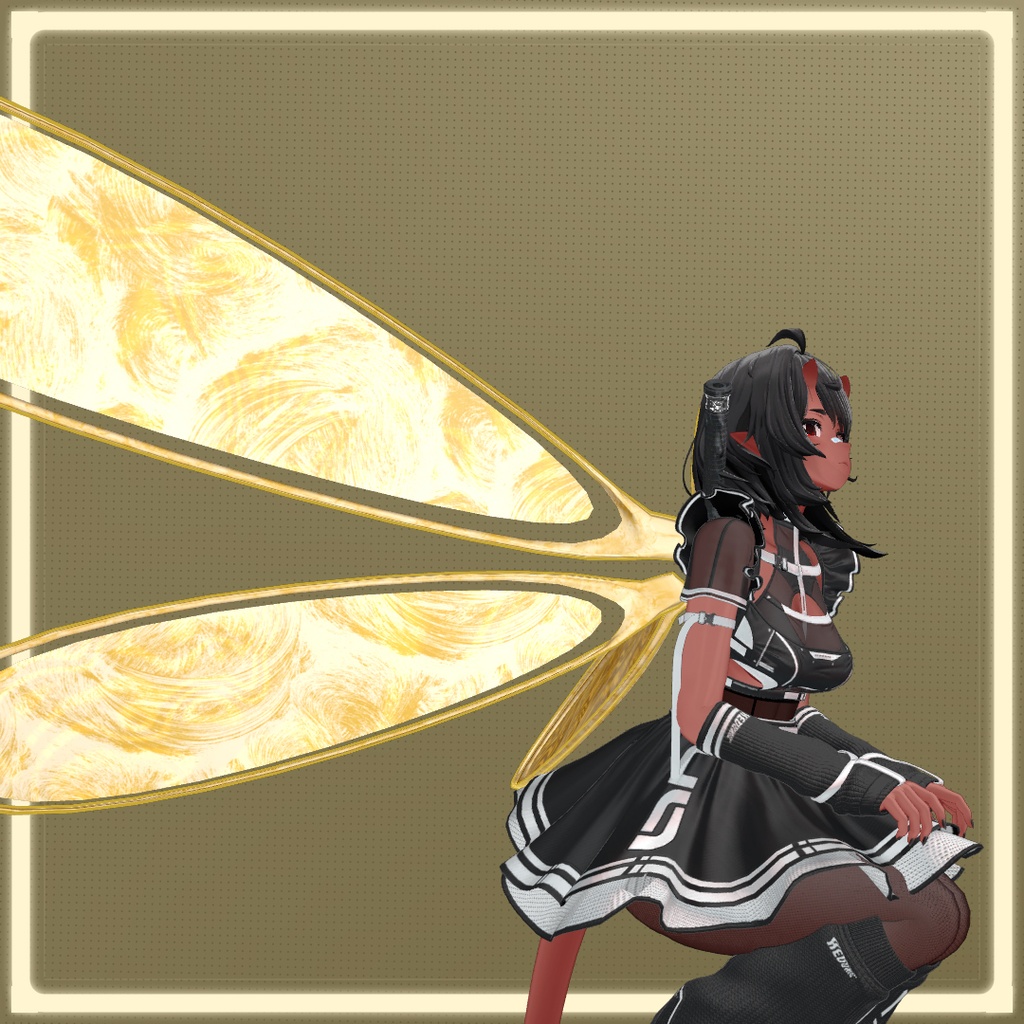
Wings - (VRChat)
- ダウンロード商品ウルキ ・ Uruki¥ 0無料ダウンロードArtbyo3_-_Wings_-_Uruki_-_VRC.zip(27.7 MB)Artbyo3_-_Wings_-_Uruki_-_VRC.zip
- ダウンロード商品Manual Setup ・ 手動設定¥ 0無料ダウンロードArtbyo3_-_Wings_-_Manual-Setup_-_VRC.zip(27.7 MB)Artbyo3_-_Wings_-_Manual-Setup_-_VRC.zip
Wings △ 2,472
COMPATIBLE AVATARS
Uruki https://misterpink.booth.pm/items/6574516 !!! Don't see your avatar? You can still use this with any avatar by selecting the Manual Setup version and adjusting the position to your liking.
Terms of Service
Allowed >Use in personal or commercial avatars >Use in videos, livestreams, games, and other media >Edit or modify for personal use _______________________________ Not Allowed <Resell or redistribute the asset files (original or modified) <Re-upload the asset as a standalone download <Claim the asset as your own work
⚠️ ⚠️ Important Notice ⚠️ ⚠️
The build quality of this product is very low. This item is distributed for free and is provided purely as a test subject. Do not expect: Polished visuals Optimized performance Final or production-ready quality This product is shared as-is for testing and learning purposes only.
Explanation
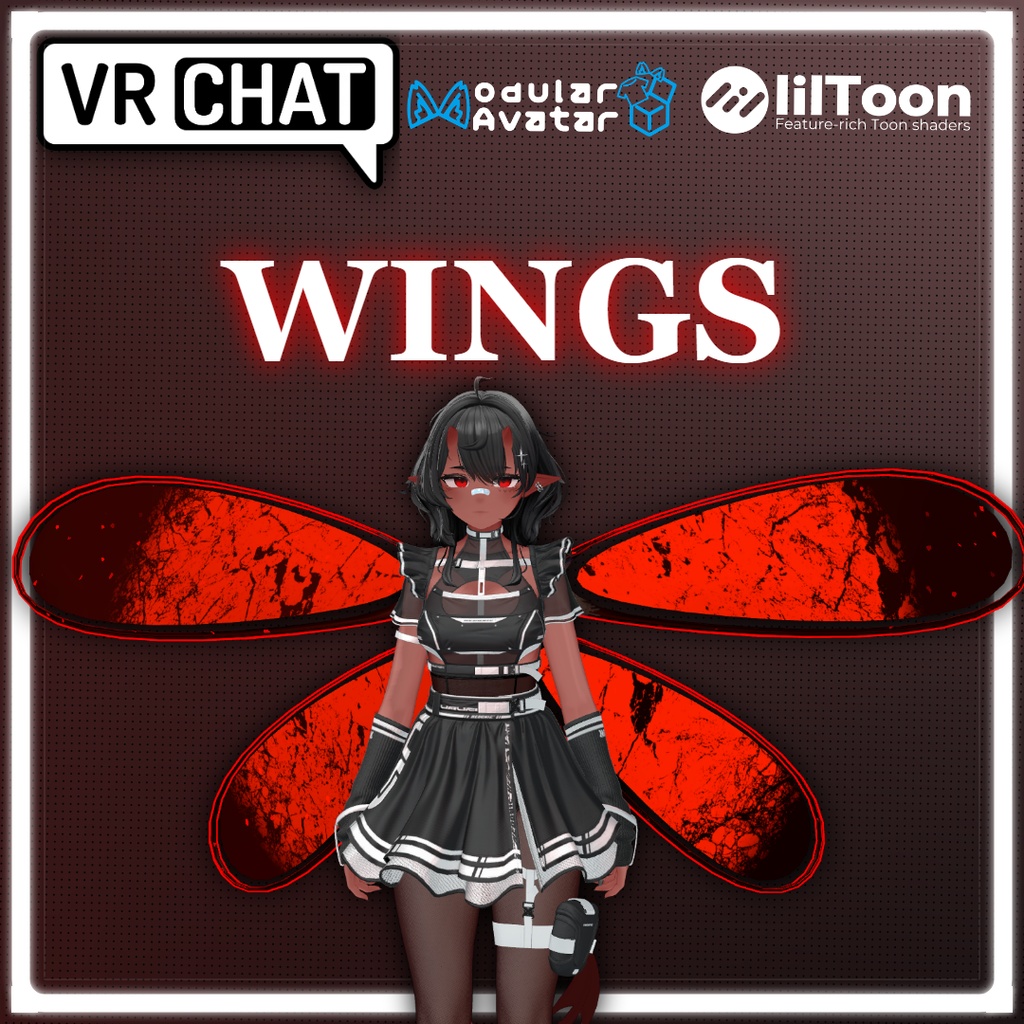
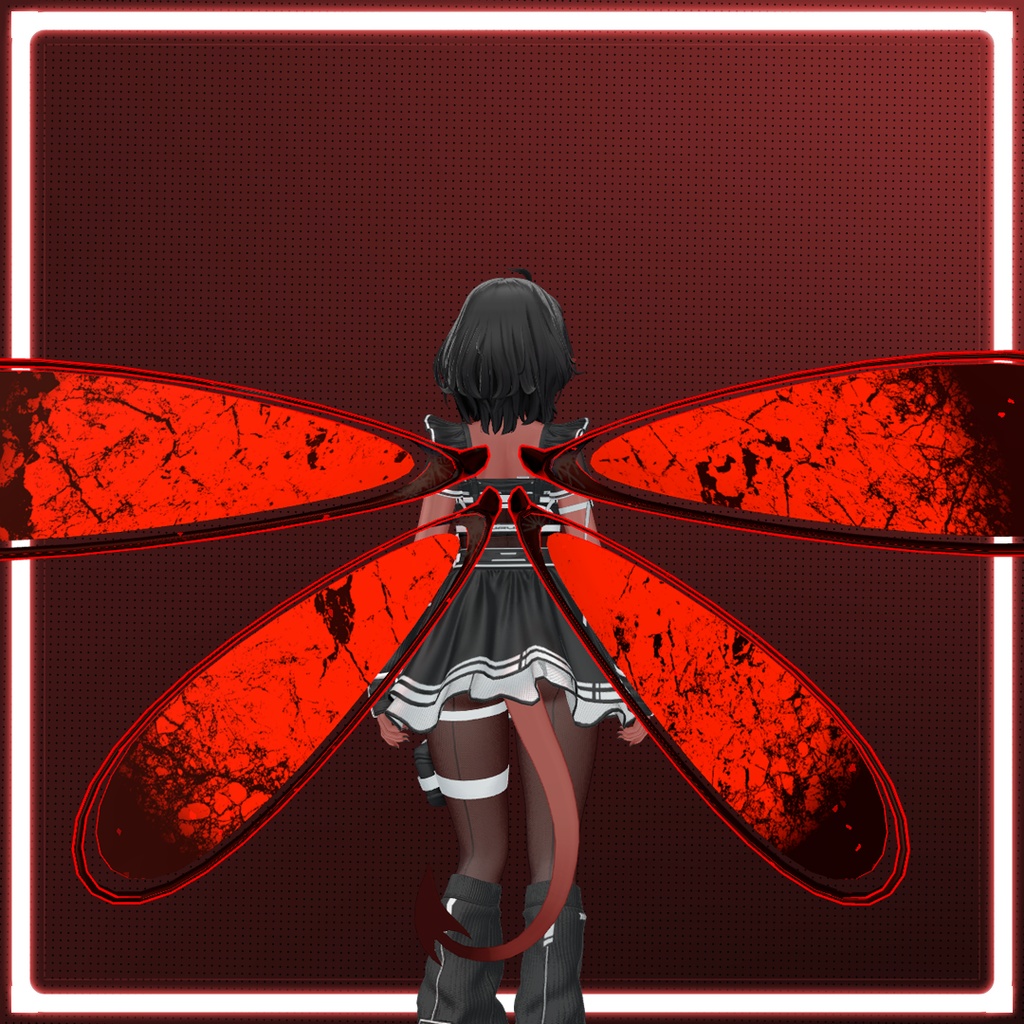
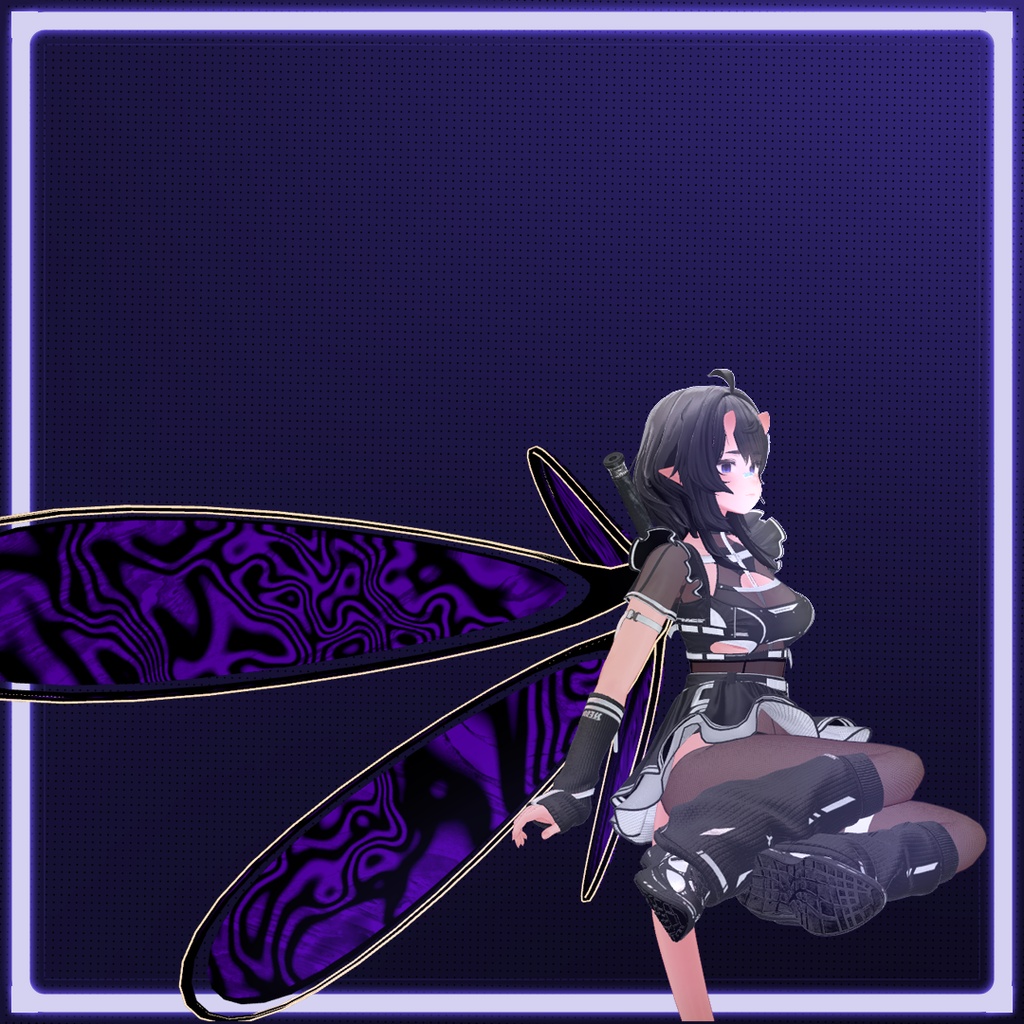
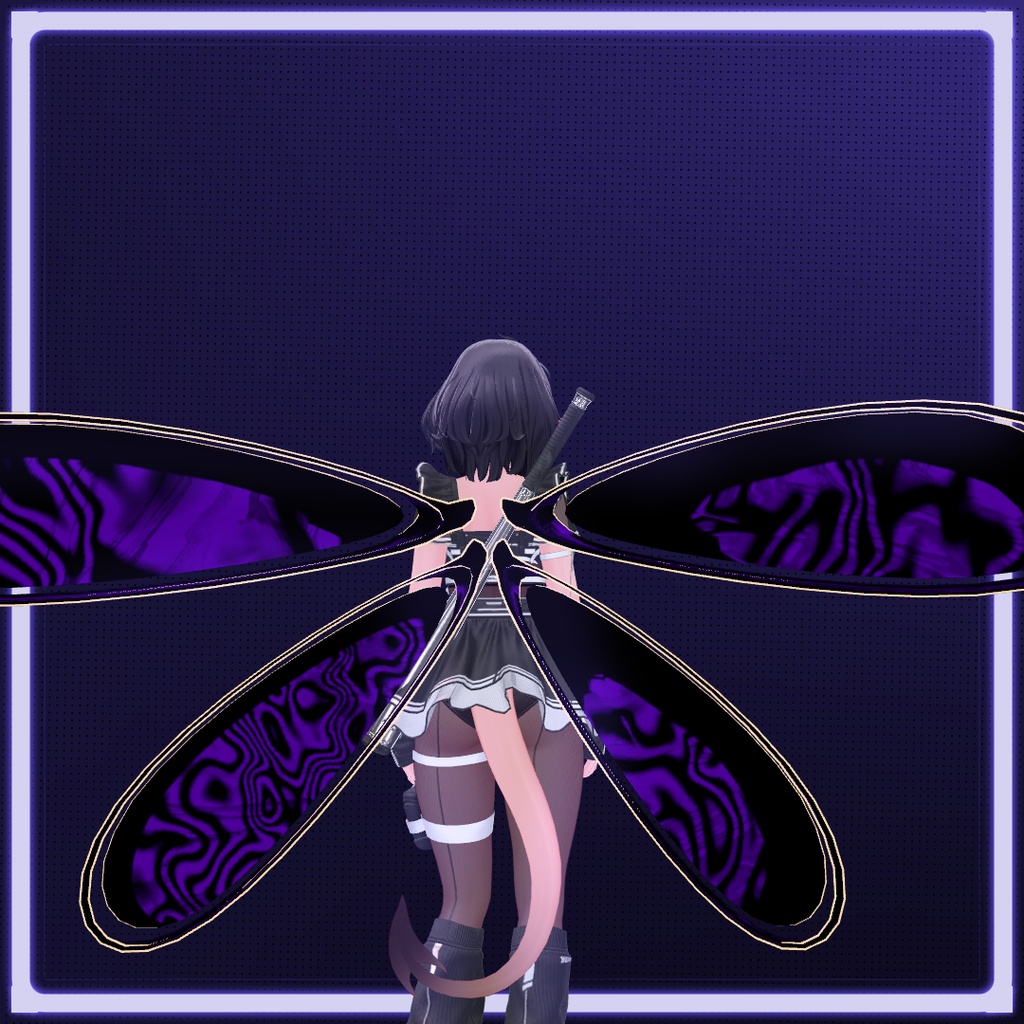
This item is a 3D wing accessory for VRChat (VRC). It is intended to be used with compatible avatars. Please refer to the compatible avatars section for the full list of compatible bases.
Requirements & How to use
Requirements: Unity VRChat SDK Modular Avatar Liltoon shader Instructions (Supported avatars): -Import the Unity package into your VRChat project. -Drag and drop the wings prefab onto your avatar in the hierarchy. Upload the avatar to VRChat. _______________________________________ Manual Setup (unsupported avatars): Import the Unity package into your VRChat project. Drag and drop the prefab onto your avatar in the hierarchy. Manually adjust the position, rotation, and scale to your liking. Upload the avatar to VRChat.
JP
ウィング △ 2,472 対応アバター Uruki https://misterpink.booth.pm/items/6574516 !!! お使いのアバターがリストにない場合でも、手動設定バージョンを選択し位置を調整することで、どのアバターでもご利用いただけます。 利用規約 許可されていること >個人用・商業用アバターでの使用 >動画、配信、ゲーム、その他メディアでの使用 >個人利用目的での編集・改変 _______________________________ 許可されていないこと <アセットファイルの再販・再配布(オリジナル・改変問わず) <スタンドアロンダウンロードとしての再アップロード <自作発言 ⚠️ ⚠️ 重要なお知らせ ⚠️ ⚠️ この商品のビルドクオリティは非常に低いです。このアイテムは無料配布であり、純粋にテスト用として提供されています。以下を期待しないでください: ビジュアルの完成度 パフォーマンスの最適化 完成品・製品レベルのクオリティ このアイテムはテストおよび学習目的のみを前提として、現状のまま公開されています。 説明 このアイテムはVRChat(VRC)向けの3Dウィングアクセサリーです。対応アバターでの使用を想定しています。対応ベースの一覧については、対応アバターのセクションをご参照ください。 必要環境と使い方 必要なもの: Unity VRChat SDK Modular Avatar Liltoon シェーダー 手順 (対応アバターの場合): -UnityパッケージをVRChatプロジェクトにインポートします。 -ウィングのプレハブをヒエラルキー内のアバターにドラッグ&ドロップします。 -アバターをVRChatにアップロードします。 _______________________________________ 手動設定(非対応アバターの場合): UnityパッケージをVRChatプロジェクトにインポートします。 プレハブをヒエラルキー内のアバターにドラッグ&ドロップします。 位置、回転、スケールをお好みに合わせて手動で調整します。 アバターをVRChatにアップロードします。